Manufacturer(s)
- Whirlpool
- Maytag
Appliance Type(s)
- 4.7/5.3 cubic foot top load washers and matching dryers
Model(s) Included
Maytag Dryers:
- MED6230H*
- MED8230H*
- MGD7230H*
- YMED7230H*
- MED6230RH*
- MGD6230H*
- MGD8230H*
- YMED8230H*
- MED7230H*
- MGD6230RH*
- YMED6230H*
Serial number range starting with M947.
Maytag Washers:
- MVW6230H*
- MVW6230RH*
- MVW7230H*
- MVW7232H*
- MVW8230H*
Serial number range starting with C947.
Whirlpool Dryers:
- WED5100H*
- WED8120H*
- WGD7120H*
- YWED6120H*
- WED6120H*
- WGD5100H*
- WGD8120H*
- YWED7120H*
- WED7120H*
- WGD6120H*
- YWED5100H*
Serial number range starting with M947.
Whirlpool Washers:
- WTW5100H*
- WTW5105H*
- WTW6120H*
- WTW7120H*
- WTW8120H*
Serial number range starting with C947.
Symptom(s)
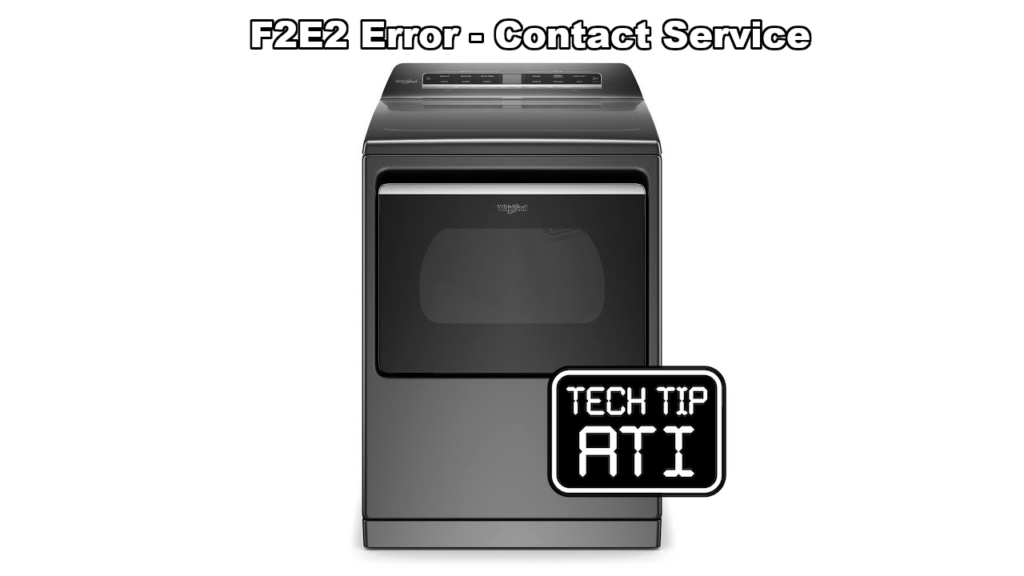
Consumer reports the digital display shows F2E2 Contact Service.
Possible Cause(s)
- The ribbon connector that links the touch control to the HMI board has become disconnected.
- The console is not working.
Diagnostic Procedure
WARNING Electrical Shock Hazard Disconnect power before servicing. Replace all parts and panels before operating. Failure to do so can result in death or electrical shock.
- Unplug or disconnect power to the appliance.
- Remove the console.
- Remove the screws that allow access to the HMI board.
- Inspect the ribbon connector that runs from the touch control to the HMI board.
- Connector location differs by brand.
- If disconnected reconnect by
- Opening the connector.
- Inserting ribbon cable.
- Closing the connector’s snapping feature.
- Reassemble the console and reattach it securely to the cabinet.
- Restore power and test the unit.
- If the ribbon connector is already firmly seated and the F2E2 Contact Service message continues
- Replace the complete fascia assembly that includes the console.
- Refer to the current parts list for the exact part number for the model being serviced.
Recommended Repair
- Reconnect a loose or disconnected ribbon cable between the touch control and HMI board.
- If the error returns after a confirmed good connection replace the fascia assembly.
This post is based directly on Technical Service Pointer W11436350 Rev B for quick field reference by certified appliance repair technicians.