Manufacturer(s)
Whirlpool
Appliance Type(s)
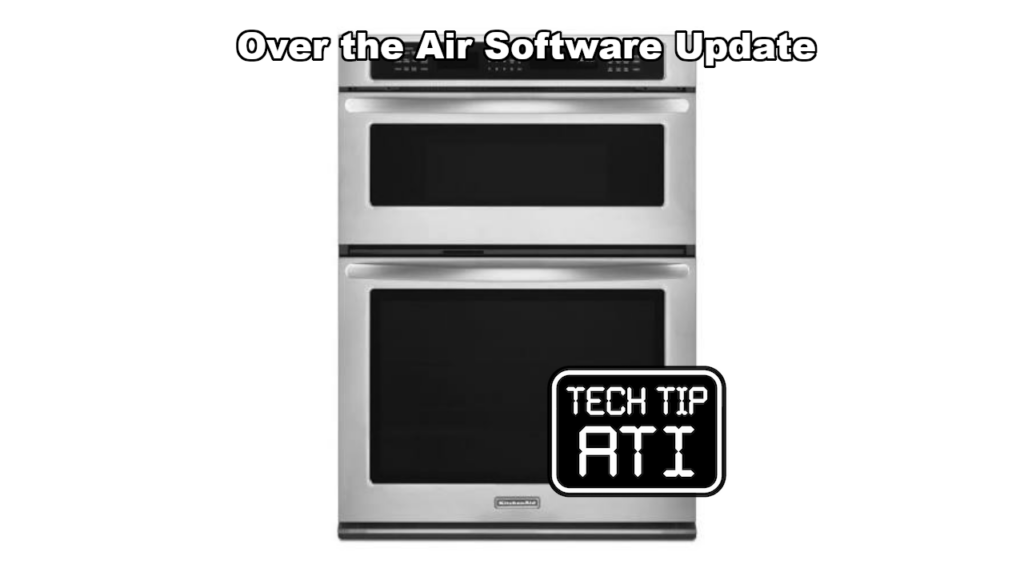
Built-in ovens (single and double)
Model(s) Included
- WOC75EC0H*
- WOC75EC7H*
- WOC97EC0HZ*
- WOCA7EC0H*
- WOD77EC0H*
- WOD77EC7H*
- WOD97EC0HZ*
- WODA7EC0H*
- WOS72EC0H*
- WOS72EC7H*
- WOS97EC0HZ*
- WOSA2EC0H*
- WOC54EC0H*
- WOC54EC7H*
- WOD51EC0H*
- WOD51EC7H*
- WOS51EC0H*
- WOS51EC7H*
All serial numbers are affected.
Symptom(s)
Customers may report one or more of these user-interface problems:
- Oven status in the mobile app does not match what the oven is actually doing
- Clock jumps to the wrong time by itself
- After connecting the oven to WiFi, the WiFi logo shows a red exclamation mark and the oven will not stay connected
- Menu scrolling resets back to the top of the list
- WiFi search cannot find the home network until the oven is power-cycled
- Long delay before the oven tells the customer the WiFi password was typed wrong
Possible Cause(s)
Outdated control software that needs the latest over-the-air update.
Diagnostic Procedure
- Confirm the oven is connected to the home WiFi network.
- Confirm the oven is claimed (registered) in the Whirlpool app.
- On the oven control, go to Oven > Preferences > Check for Appliance Updates.
- Note whether an update is available.
Recommended Repair
If an update is available:
- Keep the oven connected to WiFi.
- Make sure the oven is claimed in the Whirlpool app.
- Start the update from the app when prompted.
- Leave the oven powered on for about 30 minutes. The screen will go blank or stop responding during the update—this is normal. Do not turn the power off.
- After the update finishes, go back to Oven > Preferences > Check for Appliance Updates and confirm no further updates are listed.
- In rare cases you may need to run the update process a second time.
- Wait up to two hours, then check connection status. If the oven is still offline, cycle power (breaker off for 30 seconds, then back on).
If the symptoms continue after the software is current, replace the HMI (human-machine interface). All current service parts already have the updated software loaded.
This post is based directly on Technical Service Pointer # W11437808 Rev B for quick field reference by certified appliance repair technicians.