Manufacturer(s)
KitchenAid
Appliance Type(s)
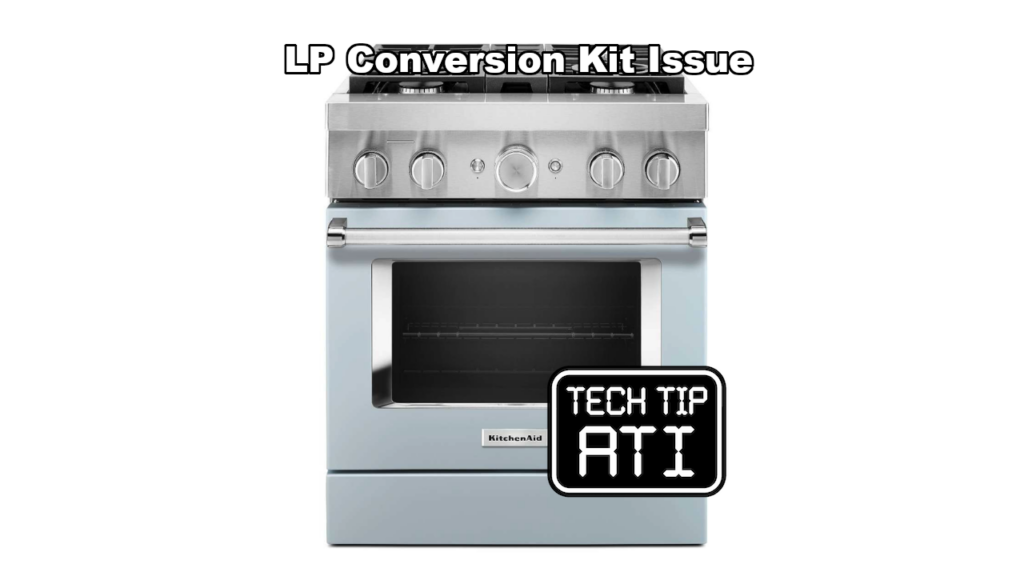
Commercial Freestanding Ranges and Commercial Cooktop/Rangetop
Model(s) Included
- KFDC500J*
- KFDC506J*
- KFDC558J*
- KFGC500J*
- KCGC558JSS*
- KFGC506J*
- KFGC558J*
- KCGC500JSS*
- KCGC506JSS*
Affected serial numbers fall in the range D94200000 through DX0500000.
Symptom(s)
Consumers report surface burner flames that are uneven, yellow, and or noisy during operation.
Possible Cause(s)
The condition is caused by low gas pressure or an LP gas conversion that was not completed correctly with the proper orifice sizes.
Diagnostic Procedure
Use this step by step process when a KitchenAid commercial range or cooktop shows the flame symptoms:
- Verify the unit serial number is within D94200000 to DX0500000.
- Confirm whether the appliance has been converted to LP gas and that the conversion was performed according to the manufacturer instructions.
- Remove the burner grates and caps then inspect every surface burner orifice. Compare the installed orifice sizes against the LP conversion requirements listed in the installation manual. Incorrect orifice sizes are the most common root cause of the reported flame issues.
Always shut off the gas supply and follow lockout tagout procedures before removing orifices.
Recommended Repair
If any orifices are the wrong size for LP service, replace them with service kit W11238042. After installation, reinstall burners, restore gas supply, and verify correct flame height, color, and stability on all burners. Check for gas leaks at every connection point.
Additional Notes for Technicians
Document the orifice sizes found and the kit installed on the service ticket. Advise the customer that proper LP conversion requires the correct orifices and adequate gas pressure.
This post is based directly on Technical Service Pointer W11438074 for quick field reference by certified appliance repair technicians.