Manufacturer(s)
Maytag
Appliance Type(s)
4.7/5.3 cubic foot top load washers and matching dryers
Model(s) Included
Maytag Dryers:
- MED6230H*
- MED6230RH*
- MED7230H*
- MED8230H*
- MGD6230H*
- MGD6230RH*
- MGD7230H*
- MGD8230H*
- YMED6230H*
- YMED7230H*
- YMED8230H*
Affected serial number range M947xxxxxx and forward.
Maytag Washers:
- MVW6230H*
- MVW7232H*
- MVW6230RH*
- MVW7230H*
- MVW8230H*
Affected serial number range C947xxxxxx and forward.
Symptom(s)
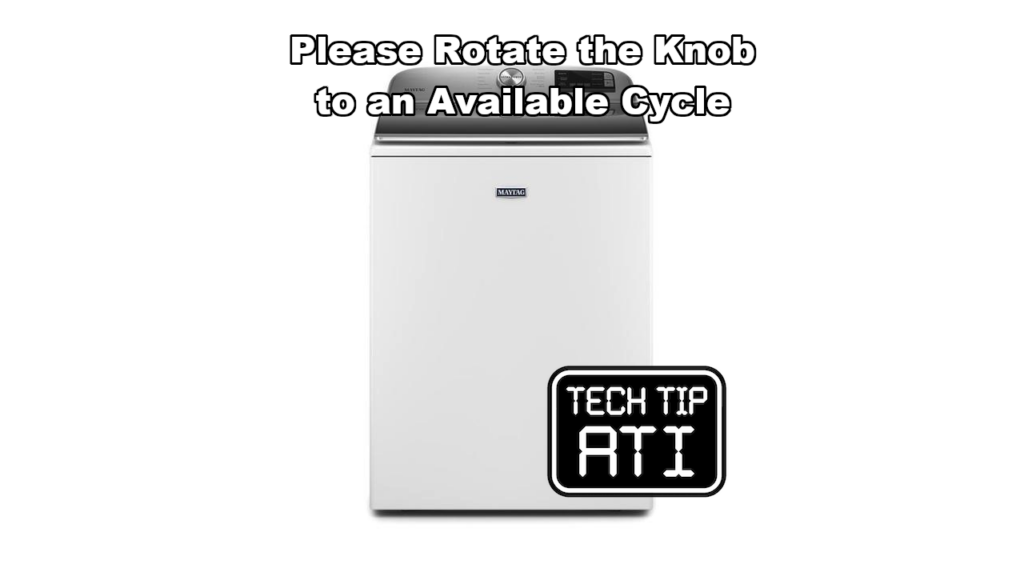
The unit displays the message Please rotate the knob to an available cycle on the control panel screen.
Possible Cause(s)
- The cycle selection knob is resting on a blank position on the dial that has no cycle assigned.
- The ribbon connector that links the power knob to the HMI board has come loose or disconnected.
Diagnostic Procedure
Always observe standard safety practices before beginning any service.
Electrical shock hazard warning: Disconnect power before servicing. Replace all parts and panels before operating the unit. Failure to follow these steps can result in death or electrical shock.
Follow these steps in order:
- Check the position of the cycle selection knob.
- If the knob sits on a blank spot between cycles explain to the customer why the message appears and show them the correct positions on the dial.
- When the message remains after the knob is moved to a valid cycle position perform the following checks:
- Disconnect power to the appliance.
- Remove the console.
- Remove the screws that allow access to the HMI board.
- Inspect the ribbon connector that runs from the power knob to the HMI board.
- If the connector is loose or disconnected open the connector latch, insert the ribbon cable and fully and close the latch to secure it.
- Reassemble the console and reinstall it on the cabinet.
- Restore power and run a test cycle.
- If the ribbon connector is fully seated yet the message still appears the console assembly requires replacement.
Recommended Repair
When the knob is on a blank position provide the customer with basic operating instructions. When the ribbon connector is the cause, reseat or reconnect it following the steps above. When the connector is secure and the symptom continues replace the complete console assembly. This replacement includes the HMI board and knob interface in one unit.
This post is based directly on Technical Service Pointer W11436354 for quick field reference by certified appliance repair technicians.